

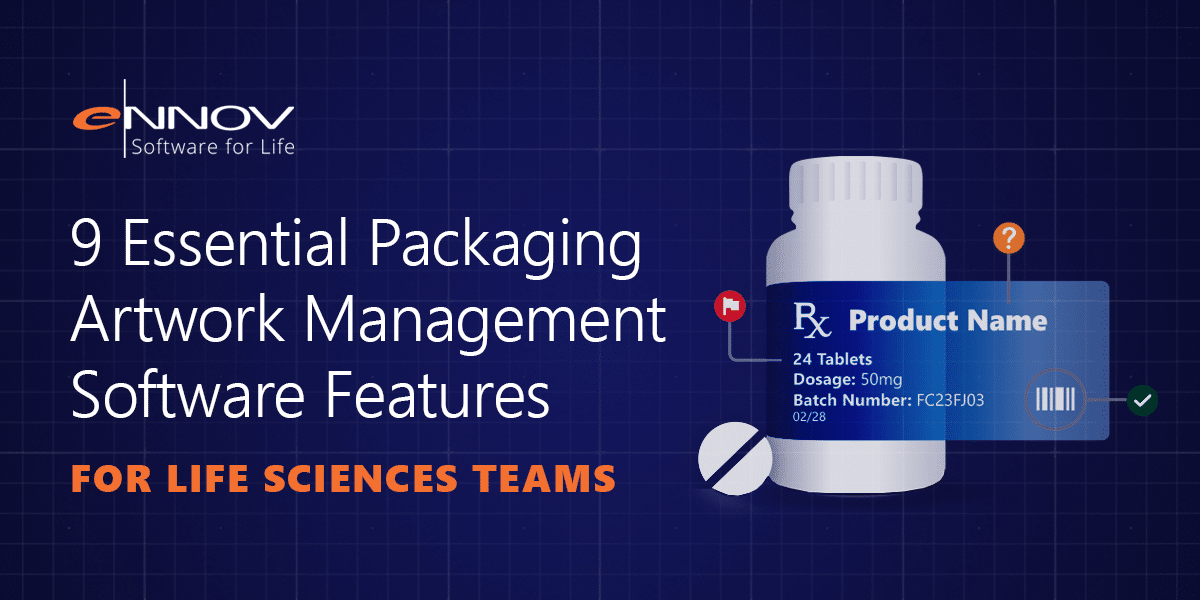
Selecting the right packaging artwork management software can be more challenging than it first appears.
Many solutions promise version control, workflow automation, and centralized file storage. On paper, most platforms seem to offer the same capabilities. The real differences become clear when artwork projects involve multiple markets, cross-functional teams, regulatory requirements, and tight launch timelines.
In regulated life sciences environments, packaging artwork management is far more than a design activity. Labels, cartons, leaflets, and packaging components must accurately reflect approved product information while maintaining complete traceability throughout the review and approval process.
The right platform helps organizations reduce compliance risk, improve collaboration, and connect artwork activities with broader regulatory and quality processes.
What Packaging Artwork Management Software Should Deliver
Effective packaging artwork management software should help organizations:
- Maintain version control and complete file history
- Capture comments, annotations, and approvals in one location
- Compare artwork changes visually and textually
- Automate artwork approval workflow processes
- Support electronic signatures and audit trails
- Manage global artwork projects and product launches
- Connect artwork with regulatory and quality systems
- Monitor performance through dashboards and reporting
- Control access while remaining easy to use
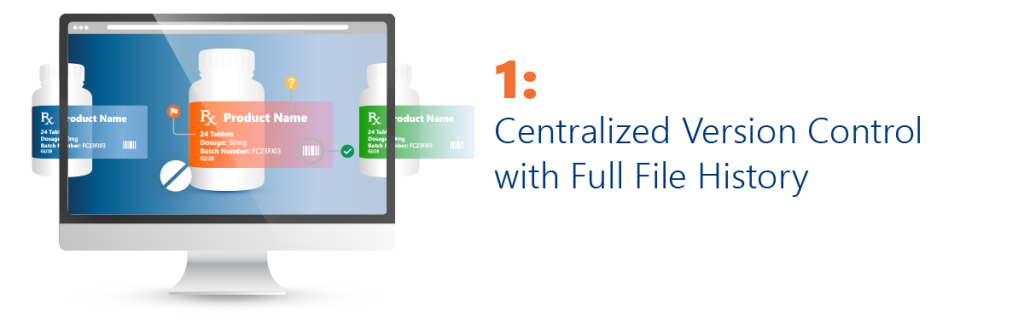
Version control is one of the most important foundations of packaging artwork management.
Every artwork file should be stored within a centralized repository where teams can easily identify the current approved version and review previous versions when needed.
The system should automatically maintain version history, record changes, and prevent outdated files from being mistakenly used during review or production.
Purpose-built artwork management software eliminates uncertainty by ensuring that every stakeholder works from the same source of truth.
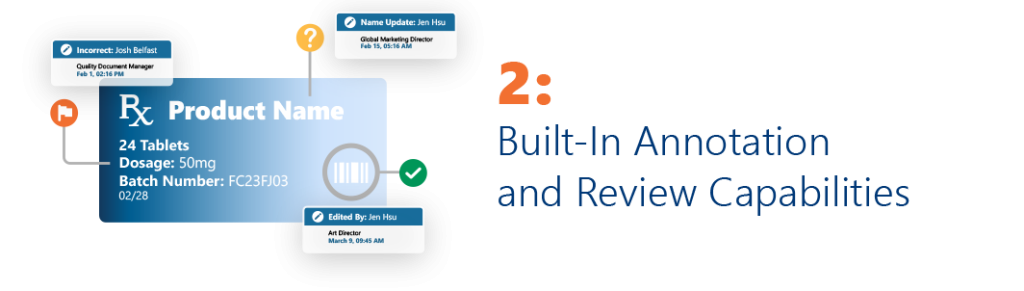
Artwork review often involves feedback from Regulatory Affairs, Quality, Manufacturing, Marketing, Legal, and local market experts.
Without a centralized review environment, comments quickly become fragmented across emails, spreadsheets, PDF markups, and meeting notes.
Modern pharmaceutical artwork management platforms allow reviewers to annotate artwork directly within the system. Every comment is linked to a specific version, reviewer, and timestamp, creating a complete record of the review process.
This improves collaboration while supporting regulatory traceability requirements.
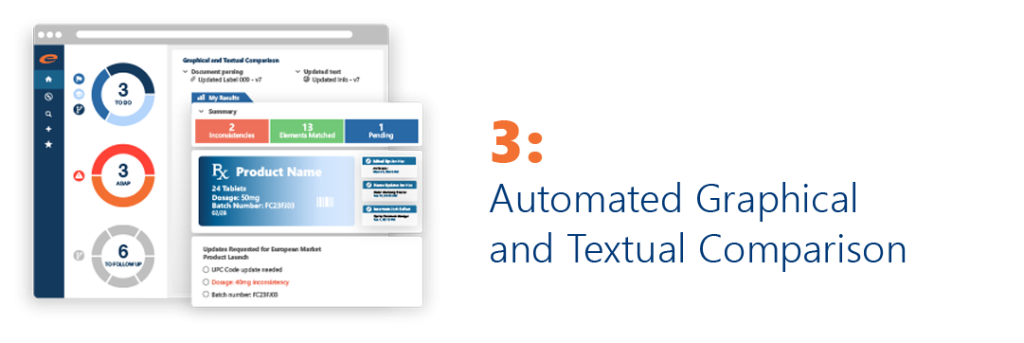
Manual review remains important, but it should not be the only line of defense.
Artwork files often contain subtle changes that can be difficult to detect, including:
- Font changes
- Color variations
- Layout adjustments
- Regulatory statement updates
- Barcode modifications
- Hidden spelling errors
Advanced packaging artwork software includes automated comparison technology capable of identifying both visual and textual differences between versions.
Comparison reports provide documented evidence that reviews were completed and changes were evaluated before approval.
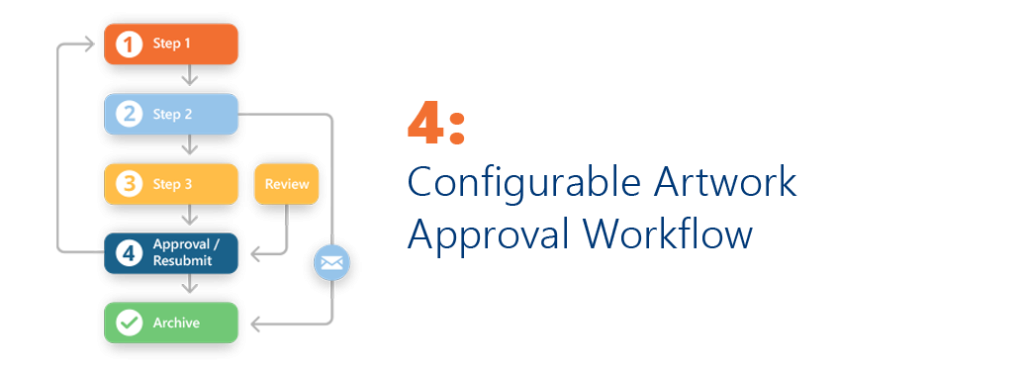
Every artwork project follows a different path.
A new product launch may require extensive cross-functional review, while a minor correction may only need limited approval.
Effective artwork approval workflow automation allows organizations to define routing rules based on product type, market, change category, or regulatory requirements.
Tasks are automatically assigned to the appropriate stakeholders, notifications are generated, and approvals are recorded within a controlled process.
This reduces delays and improves accountability throughout the artwork lifecycle.
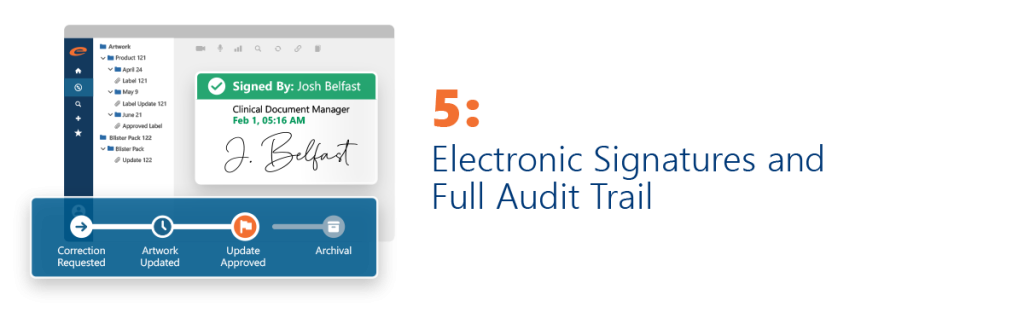
Regulated organizations need more than simple approval tracking.
Artwork approvals must be supported by electronic signatures that verify user identity, approval intent, and timestamps.
In addition, every action performed within the system should be captured automatically, including:
- File access
- Version updates
- Annotations
- Workflow actions
- Approvals
- Rejections
These audit trails provide inspection-ready evidence and strengthen compliance across the entire artwork process.

Packaging updates rarely affect a single market.
Organizations often need to manage artwork changes across multiple countries, languages, and product configurations simultaneously.
Project-level functionality enables teams to:
- Group related artwork requests
- Manage multi-market launches
- Track progress across regions
- Monitor deadlines and dependencies
- Identify bottlenecks before they impact launch schedules
This visibility becomes increasingly valuable as product portfolios expand.
One of the most important capabilities in modern packaging artwork management is integration.
Artwork files depend on information maintained across multiple business systems.
Approved product data may reside within a regulatory information management software platform. Change controls, CAPAs, and deviations may be managed through qms software. Supporting content may be maintained within a regulatory document management system. Final approved labels may ultimately become part of a regulatory publishing software workflow used for health authority submissions.
When artwork exists in isolation from these systems, teams are forced to manually transfer information, increasing the risk of inconsistencies and compliance issues.
A connected platform ensures that artwork workflows remain aligned with the data that drives them.
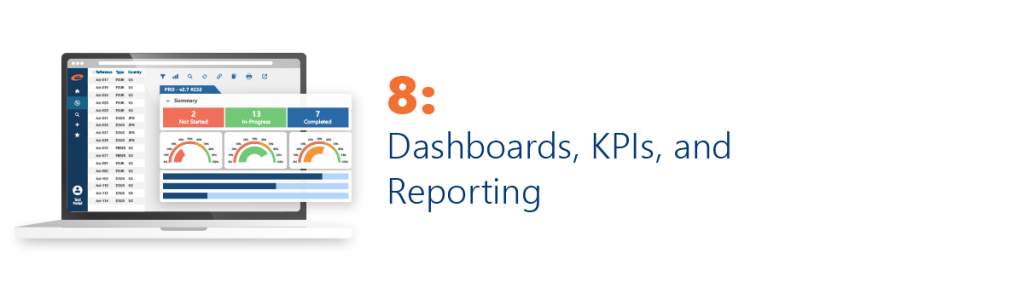
Packaging artwork management generates valuable operational insights.
The best artwork management software transforms this information into actionable dashboards that help teams monitor:
- Project completion rates
- Approval turnaround times
- Workflow bottlenecks
- Market-specific progress
- Resource utilization
- On-time delivery performance
These insights support both day-to-day execution and long-term process improvement.

An artwork management platform is only effective if people actually use it.
Different users require different levels of access. Global project managers, regulatory reviewers, local labeling experts, and quality teams all interact with artwork processes differently.
Role-based access controls ensure that users see only the information relevant to their responsibilities while maintaining security and compliance.
At the same time, intuitive interfaces reduce training requirements and improve user adoption across the organization.
Why Connected Packaging Artwork Management Matters
Many organizations continue to manage artwork through shared drives, email chains, spreadsheets, and disconnected point solutions.
While these approaches may move files between teams, they often lack the visibility, traceability, and control required by regulated life sciences organizations.
Modern packaging artwork management software provides a centralized environment where versions, approvals, comments, workflows, and compliance records remain connected throughout the entire process.
When artwork management is integrated with regulatory information management software, qms software, regulatory document management systems, and regulatory publishing software, teams gain a complete view of the product lifecycle while reducing manual effort and duplicate data entry.
The result is faster approvals, fewer errors, stronger compliance, and greater confidence throughout the artwork lifecycle.
Final Takeaway
The best packaging artwork management software does much more than store files.
It helps life sciences organizations manage artwork versions, streamline collaboration, automate approval workflows, maintain compliance, and connect artwork activities with broader regulatory and quality processes.
As regulatory expectations continue to evolve, organizations need solutions that provide both operational efficiency and compliance assurance.
Ennov Artwork brings these capabilities together within a unified compliance platform, helping Regulatory, Quality, labeling, and manufacturing teams manage artwork from request through final approval.
Request a demo to see how Ennov Artwork helps life sciences organizations improve packaging artwork management, reduce rework, strengthen traceability, and accelerate approvals across the entire artwork lifecycle.